Canvas
Make room for the whole idea.
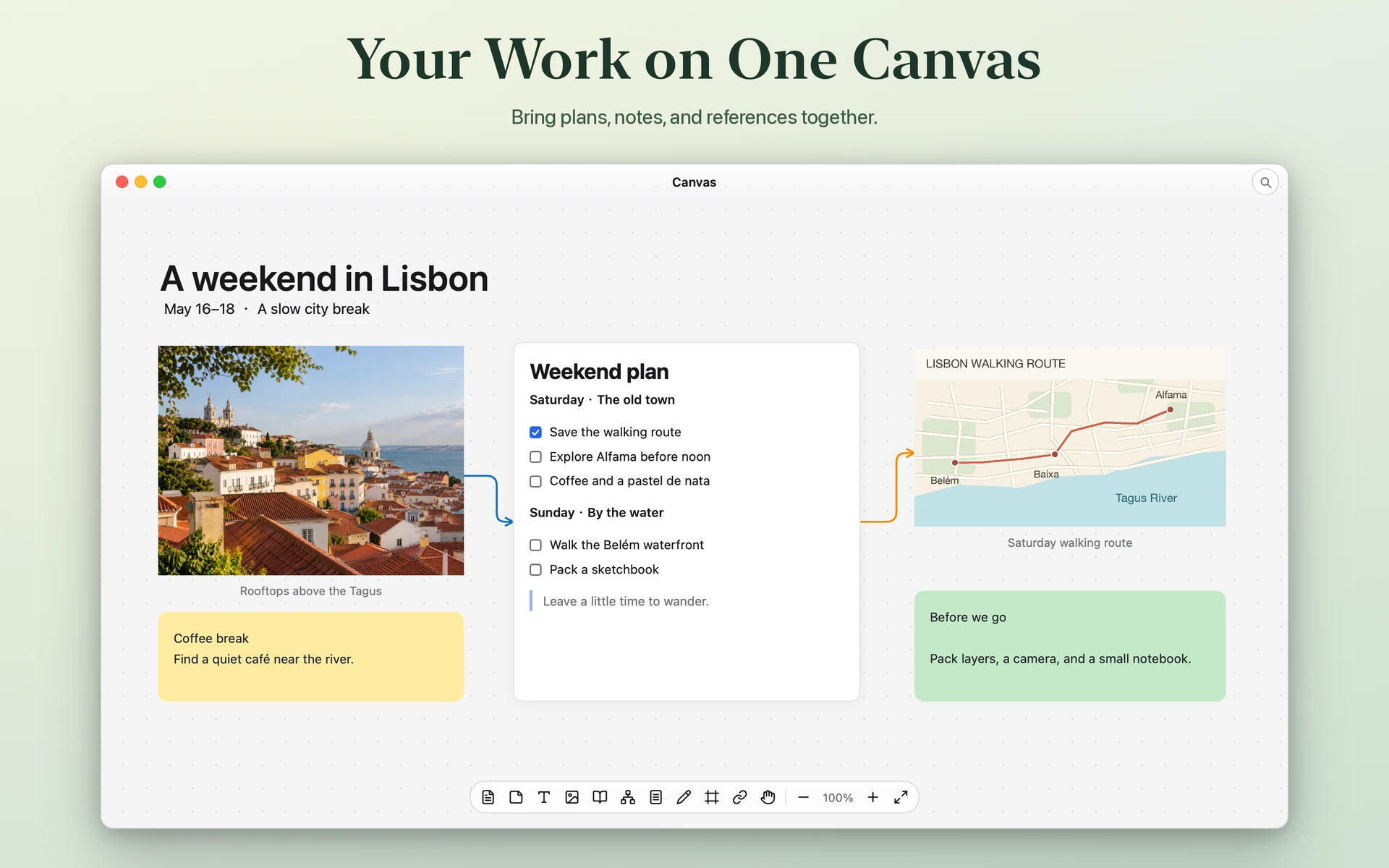
Put notes, images, and documents side by side. Move freely between the big picture and the details.
Read, write, and connect ideas on an infinite canvas. Your documents live on your Mac.
Explore featuresChoose a tool to see it in action.
Canvas
Put notes, images, and documents side by side. Move freely between the big picture and the details.
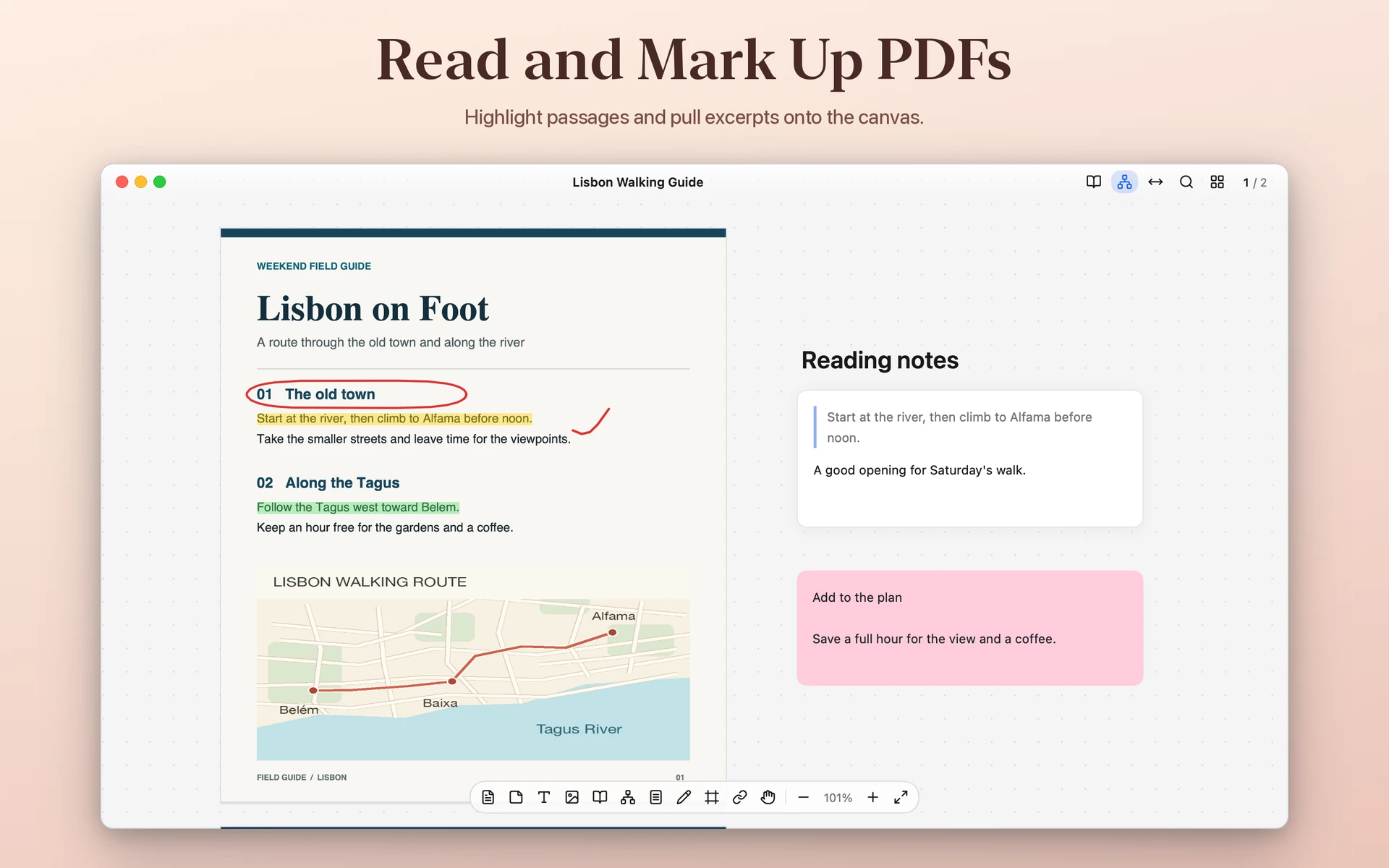
Find text, highlight passages, and write on the page. Bring excerpts onto the canvas to connect them to your notes.
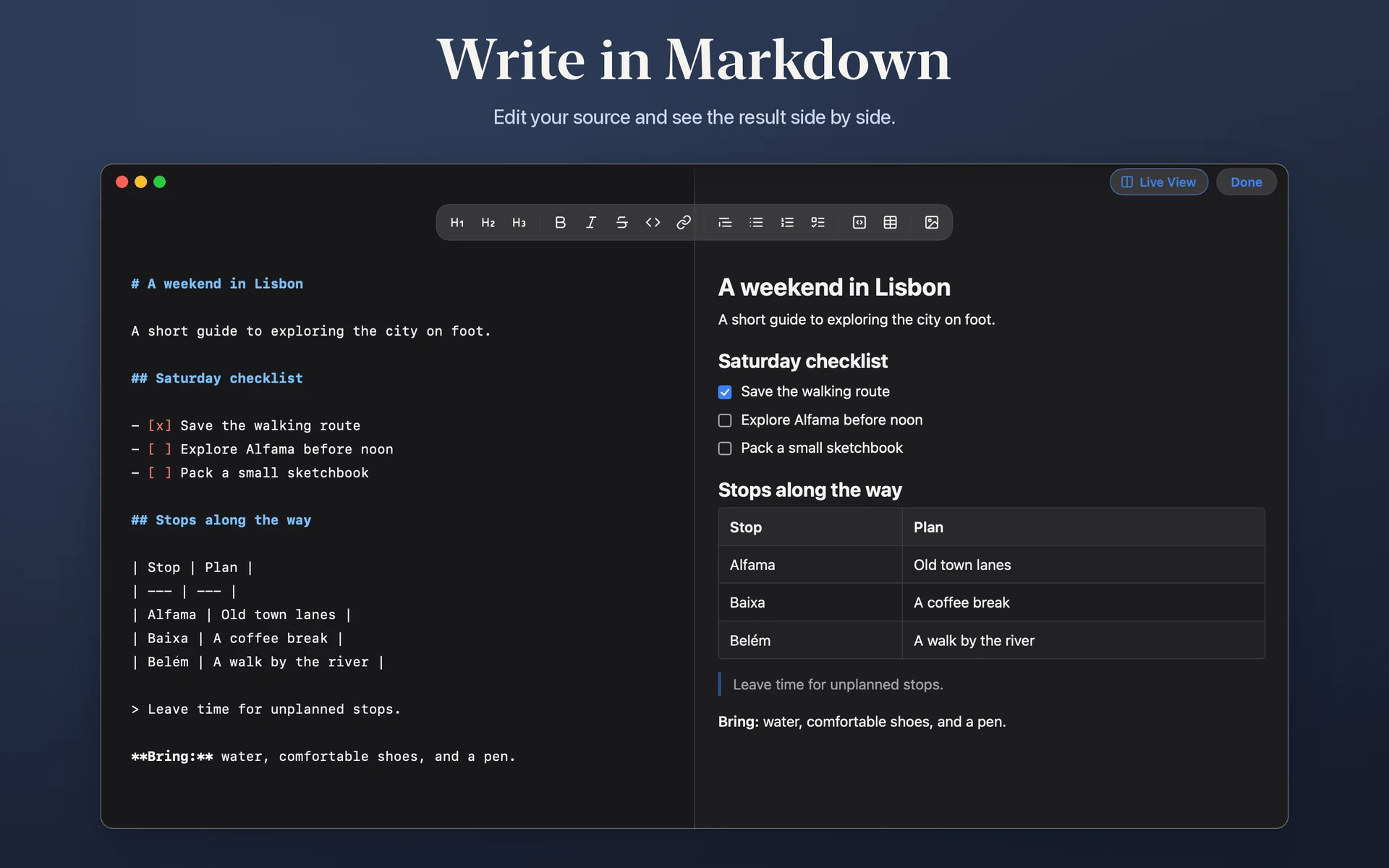
Markdown
Edit Markdown with a live preview. Use images, tables, formulas, and diagrams where they help explain your ideas.
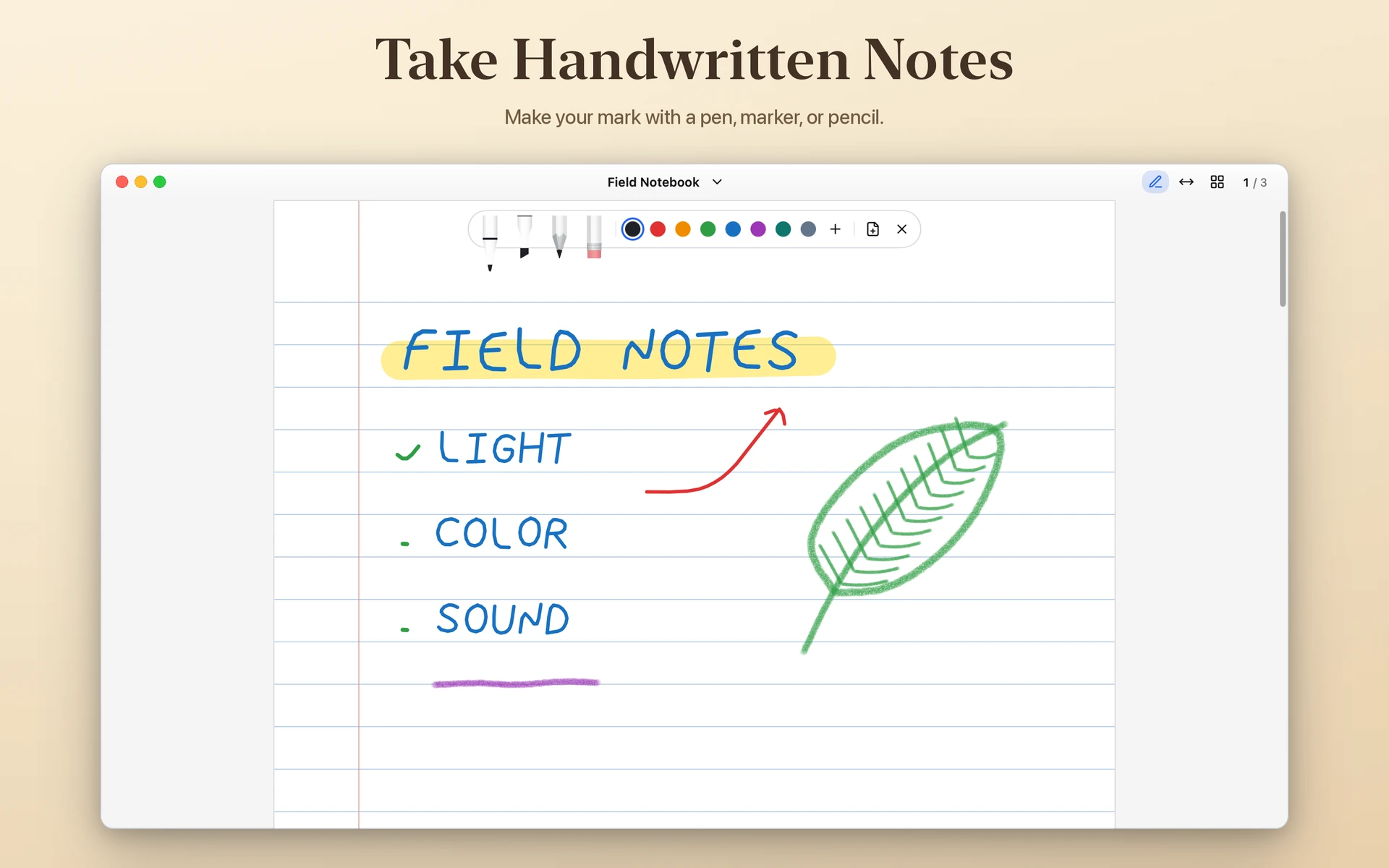
Notebook
Use paged notebooks for notes and sketches. Switch between pen, pencil, and highlighter, and adjust the stroke width as you work.
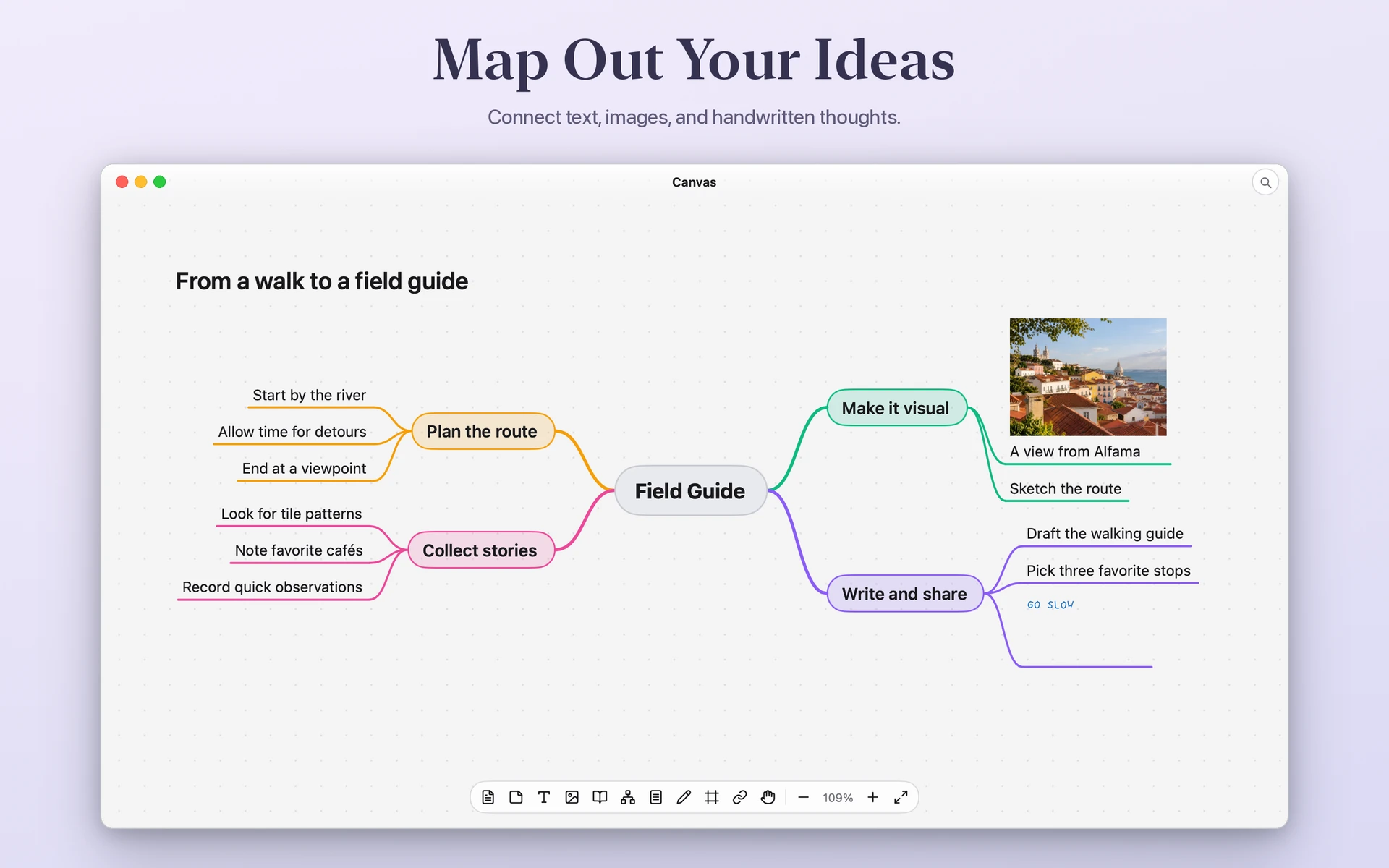
Mind maps
Map out relationships with connected topics, then add images or handwriting to a branch.
Library
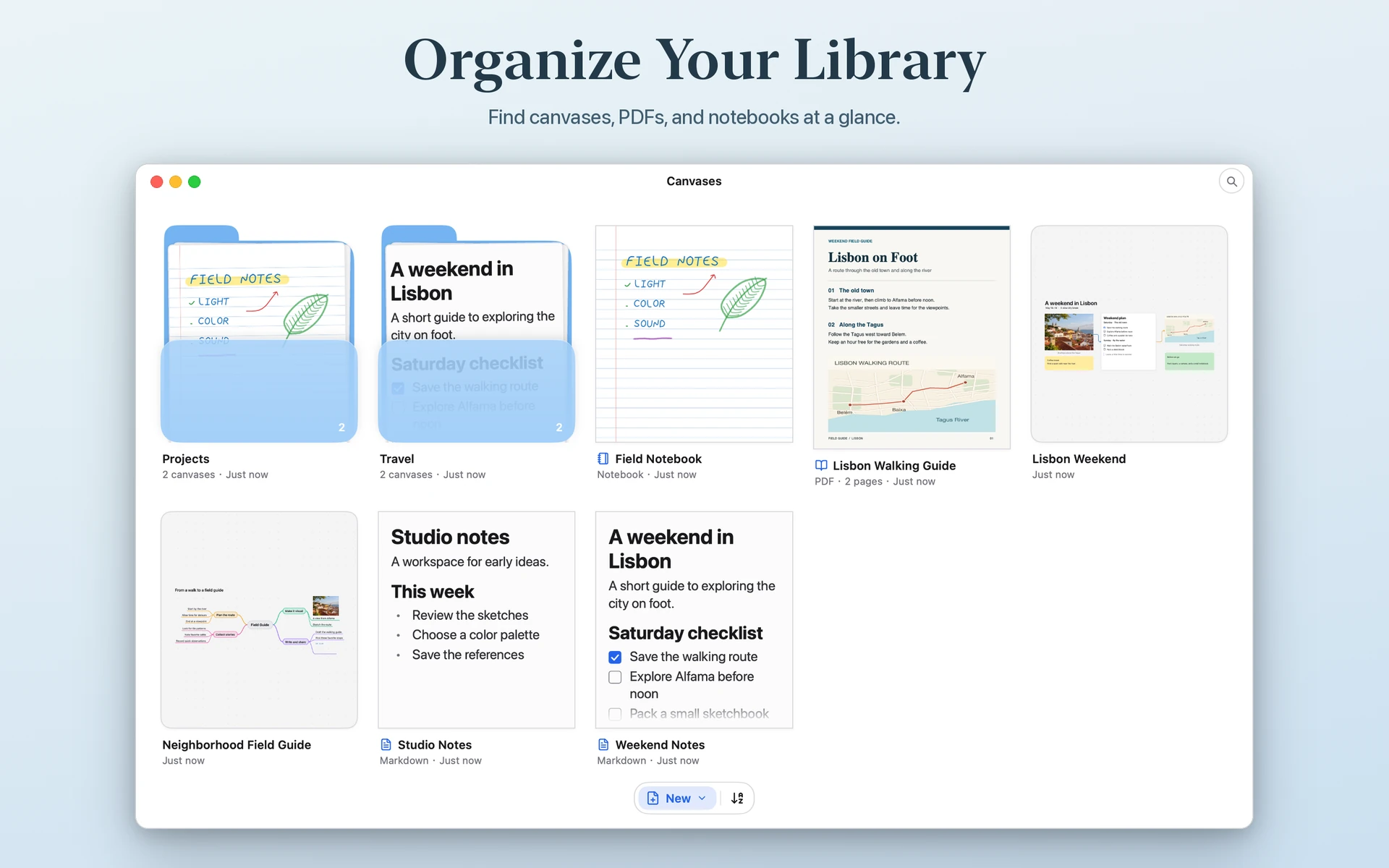
Arrange canvases, PDFs, notebooks, and Markdown documents in folders. Import and export canvases from your library.